How Epson Event Manager Improves Scan Speed and Workflow
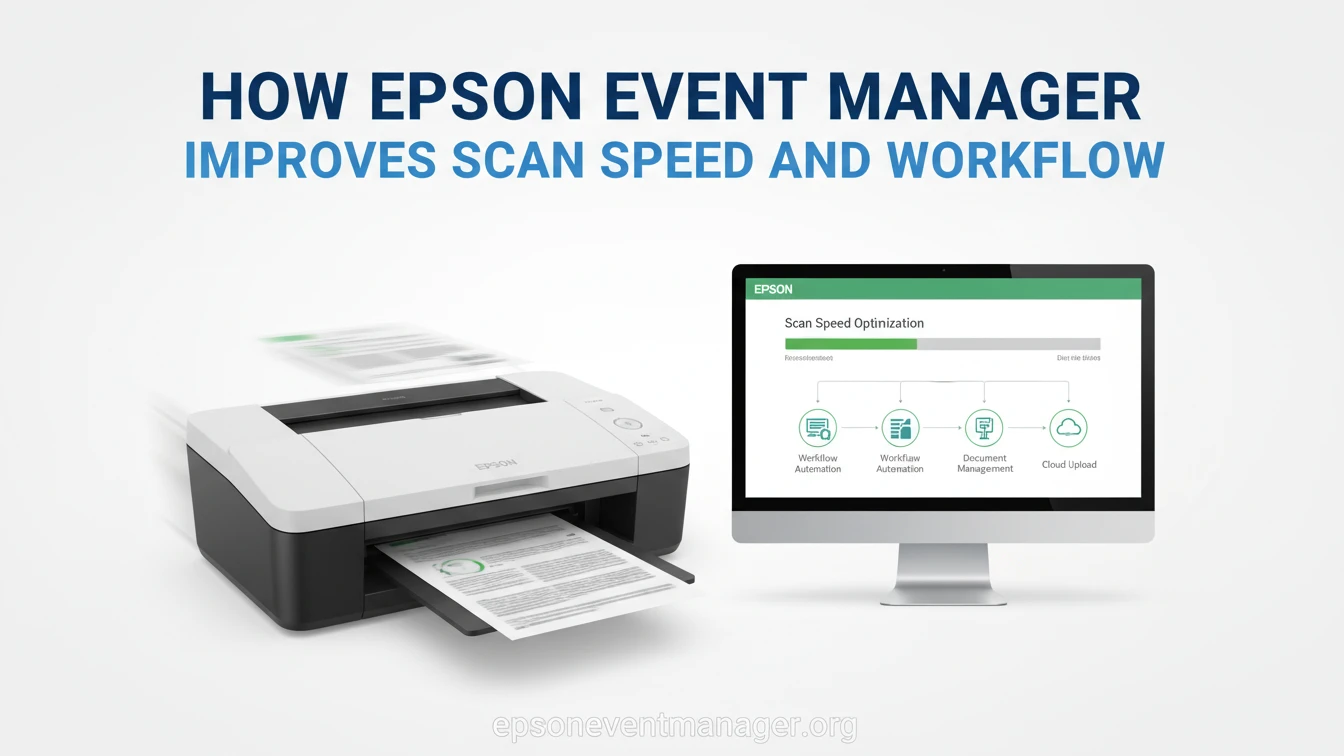
Scanning speed is not defined only by hardware. Many users assume that a slow scan means a slow scanner, but the real delays often happen after the button is pressed. Epson Event Manager improves scan speed and workflow by handling the actions that occur between the scanner and the computer.
When scan requests are processed correctly, files appear faster, destinations are predictable, and repeated steps are eliminated. This is where workflow gains become noticeable in daily use.
Where scan delays usually occur
Most delays happen before the scan even begins. The scanner sends a request, the computer receives it, and the operating system decides what to do next. If this chain is incomplete, the user waits or presses the button again.
Event handling fills this gap. Epson Event Manager listens continuously for scan requests and routes them to the correct software without manual intervention. This reduces hesitation and removes unnecessary steps.
Faster response from scanner buttons
Physical scanner buttons are designed for speed, but they depend on software to respond instantly. When event handling is missing or misconfigured, the button press may be ignored or delayed.
Users often notice faster response times when scan events are properly processed. Button presses lead directly to scanning actions instead of opening menus or waiting for user input.
Reducing repeated manual steps
A common workflow issue is repeating the same setup for every scan. Choosing file types, destinations, or scan settings over and over slows productivity.
Event Manager allows predefined actions to run automatically. This means scans begin immediately with the correct settings already applied, which improves workflow consistency.
Managing multiple scan destinations efficiently
Workflows often involve sending scans to different places, such as folders, PDFs, or email attachments. Switching between these options manually takes time.
When scan destinations are defined in advance, the scanning process becomes predictable. This is especially helpful in offices where documents follow set handling rules.
Consistent behavior across operating systems
Workflow speed depends on consistency. Differences between systems can slow users down when behavior changes unexpectedly.
On modern systems, event handling ensures that scan requests behave the same way each time. This reduces hesitation and builds user confidence in the scanning process.
Network scanning and workflow impact
Wireless scanning adds convenience, but it also introduces delays if network events are not handled properly. Missed or delayed scan requests disrupt workflow and force users to retry.
When network-based scan requests are handled correctly, wireless scanners feel just as responsive as USB-connected devices. This keeps workflows smooth even in shared or remote setups.
Eliminating background process interruptions
Background services that stop unexpectedly can slow workflows without obvious errors. Scans may work one moment and fail the next.
Stable background operation ensures that scan requests are always received and processed. This reliability translates directly into faster task completion.
Workflow benefits for frequent scanning tasks
Users who scan daily notice improvements quickly. Tasks that once required several clicks become single-button actions. Files appear where expected, and scanning becomes part of the routine rather than an interruption.
Over time, these small gains add up to meaningful productivity improvements.
Conclusion
Epson Event Manager improves scan speed and workflow by removing delays, automating actions, and ensuring reliable event handling. Faster response times, fewer manual steps, and consistent behavior turn scanning into a seamless process.
When event handling is treated as part of the workflow rather than an afterthought, scanners perform closer to their true potential.